

File menu
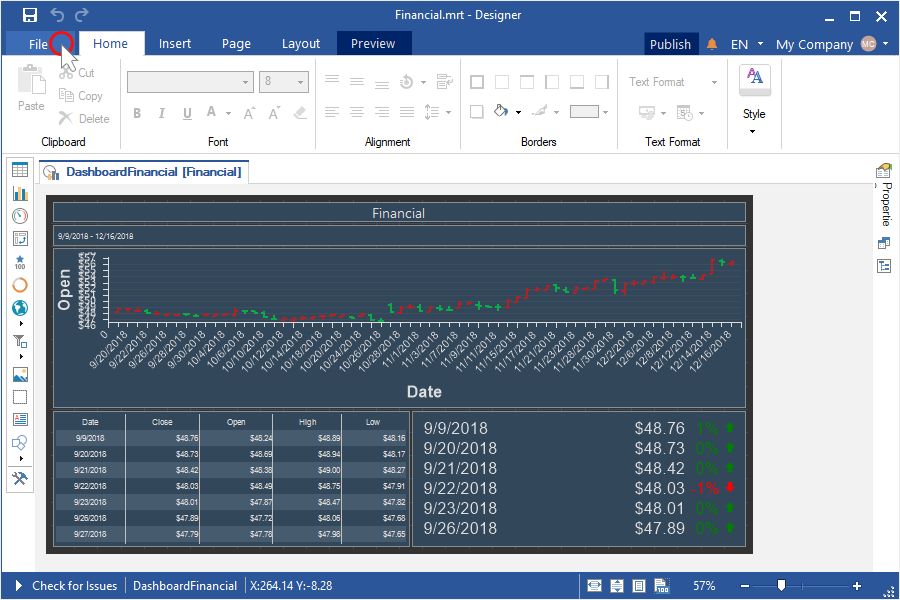
The main element is the File menu and the menu that is called by pressing File button. This is a main menu of the report designer. Basic commands for work with reports in the report designer are represented in the menu. The picture below shows a menu of the application and its items.
-
The Info menu item contains report options, protect report and check for issues commands.
-
The New menu item contains submenu where a list of new report components is available for creation is shown.
-
The Open menu item. When calling this menu item, a dialog for opening a report will appear.
-
The Save menu item saves changes in a report. If a report was not changed previously, then the Save Report As menu item will be called automatically.
-
The Save As menu item. When calling this menu item, a dialog for saving a report will appear.
-
The Preview menu item. When calling this menu item, a report will be shown in the viewer.
-
The Scheduler menu item contains create or set scheduler commands.
-
The Share menu item. When calling this menu item, a dialog for sharing a report will appear.
-
The Publish menu item. When calling this menu item, a dialog for publishing a report will appear.
-
The Help menu item contains helper resources.
-
The Get Started menu item. When calling this menu item, a menu for getting Stimulsoft Products will appear.
-
The Account menu item contains submenu where you can control your team, subscriptions and account settings.
-
The Options menu item calls a window for designer parameters settings.
-
The Close menu item closes a report that is opened in the report designer.
-
The About menu item. When calling this menu item, a menu for showing product information will appear.