Grouping elements on Dashboard
When developing a dashboard, you can divide its elements into groups.
The following questions will be considered in this chapter:
Elements group creation
To do it you should make the following actions:
Step 1: Create or open a dashboard;
Step 2: Select the dashboard elements. To select several elements, you should hold down the Ctrl and click the left mouse button on the input pointer;
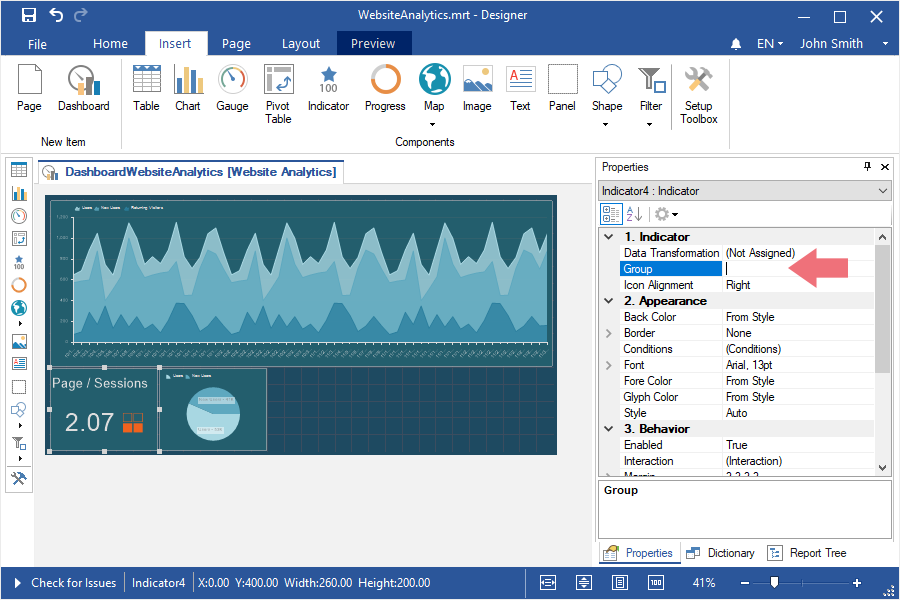
Step 3: Assign the name of a group in the Group field in the properties panel in the report designer.
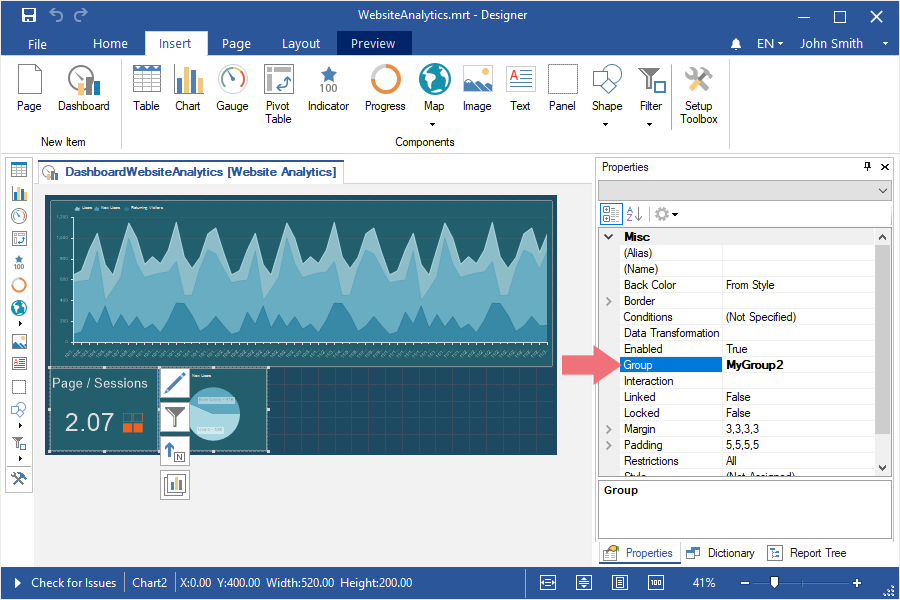
Changing group for an element To do it you should make the following actions:
Step 1: Select an element;
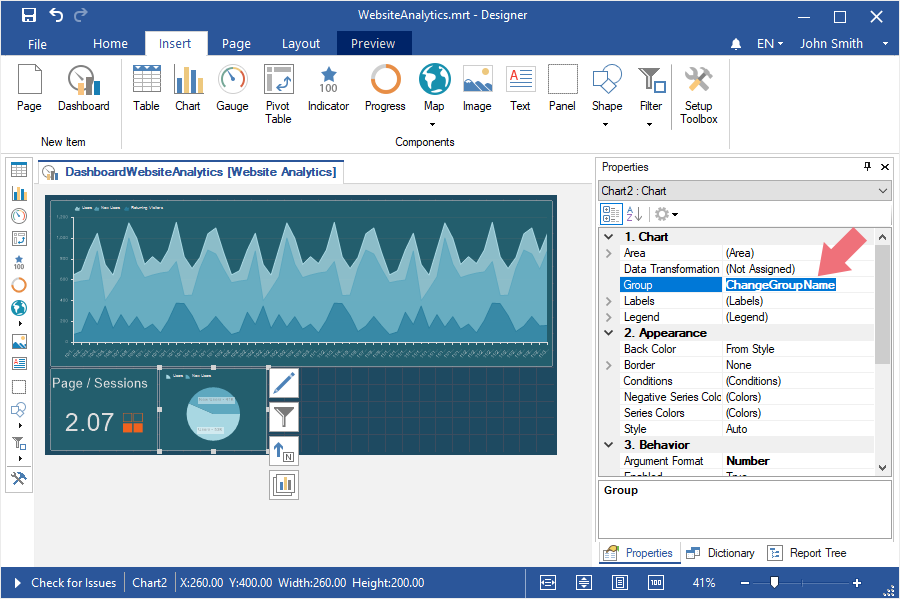
Step 2: Change the value, by specifying the name of a new group in the field of the Group property.
Deleting element from the group
To do it you should make the following actions:
Step 1: Select an element on a dashboard; Step 2: Delete a value in the field of the Group property.