

Chart
The Chart tab is used to configure the chart’s elements. These settings are divided into groups, each represented by a separate sub-tab.
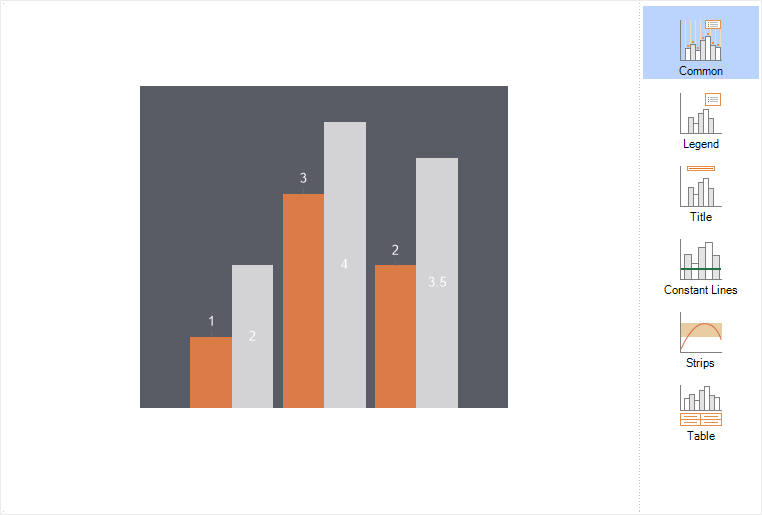
The Chart tab includes a preview panel and several settings sub-tabs:
- Common contains properties of the Chart component;
- Legend contains settings for the chart’s legend;
- Title contains settings for the chart’s title;
- Constant Lines contains settings for constant lines in the chart;
- Strips contains settings for chart strips;
- Table contains settings for the chart’s data table.