Creating Project
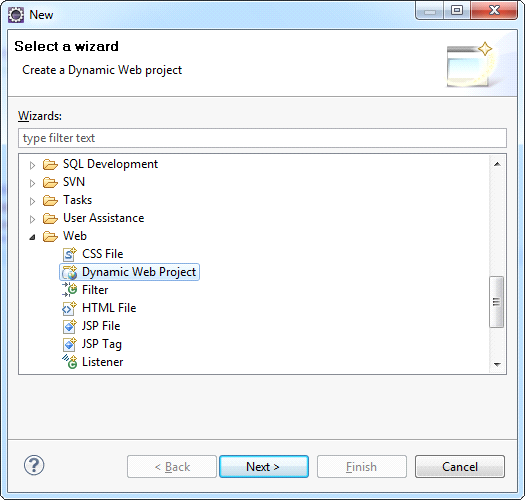
Launch the Eclipse IDE, choose File> New> Project. In the project wizards open the Web type and in the drop-down list select Dynamic Web Project wizard and click Next (See the picture below):
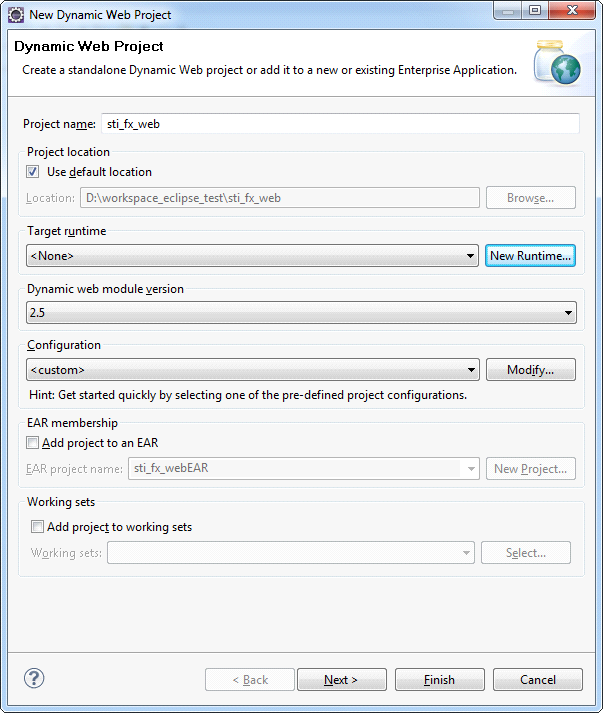
In the window opened fill in the Project name (e.g. sti_fx_web, as shown in the picture below). Then configure the web server, on which the application will run.