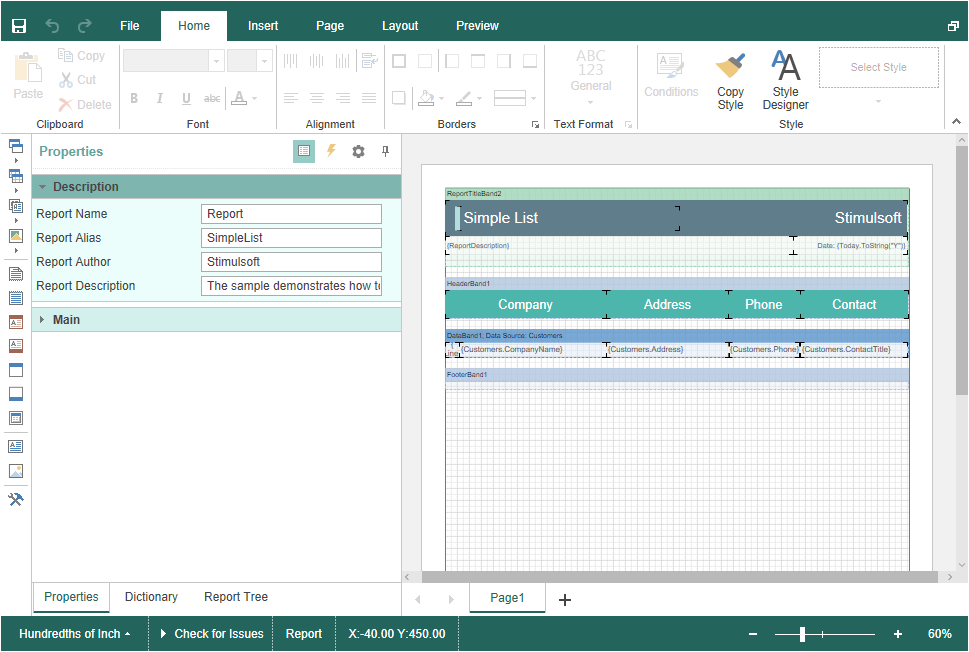
Editing Reports
To edit a report, you should add the StiBlazorDesigner component to the Razor page, add the StiReport object, and assign it to the designer, using the Report property. After loading a report from a file, it will be automatically transferred to the designer.
Index.razor
@using Stimulsoft.Report
@using Stimulsoft.Report.Blazor
@using Stimulsoft.Report.Web

<StiBlazorDesigner Report="@Report" />

@code
{
    //Report object to use in designer
    private StiReport Report;

    protected override void OnInitialized()
    {
        base.OnInitialized();

        //Create empty report object
        var report = new StiReport();

        //Load report template
        report.Load("Reports/TwoSimpleLists.mrt");

        //Assing report object to viewer
        Report = report;
    }
}