Using Themes
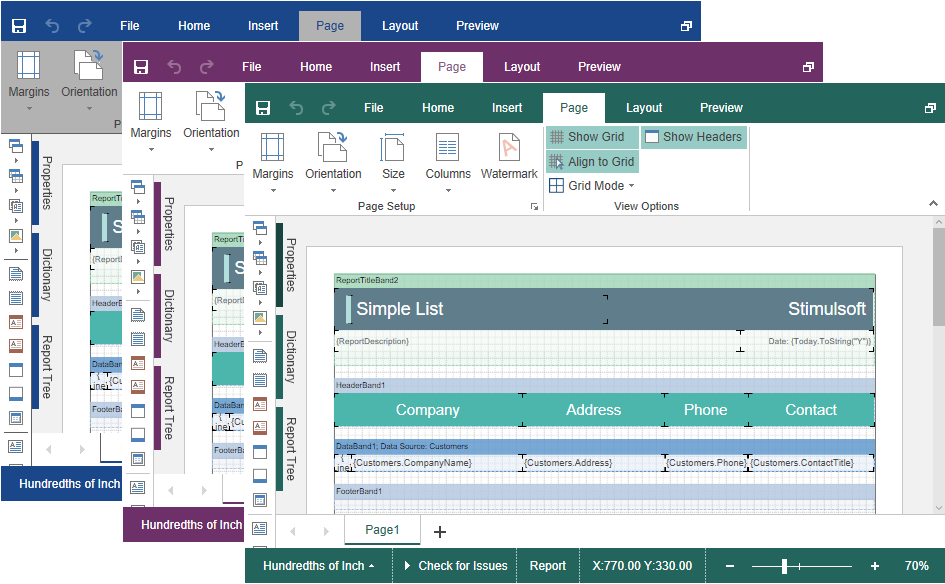
In the HTML5 Designer component you can change the appearance of visual controls. To change the theme, you should use the Theme property.
Default.aspx
...
@Html.StiNetCoreDesigner(new StiNetCoreDesignerOptions() {
    Theme = StiDesignerTheme.Office2022WhiteTeal
})
...
Currently, several 2 themes - Office2013 and Office2022 with various color accents are available. This allows you to customize the appearance of the designer for almost any design of the Web project.