Using Themes
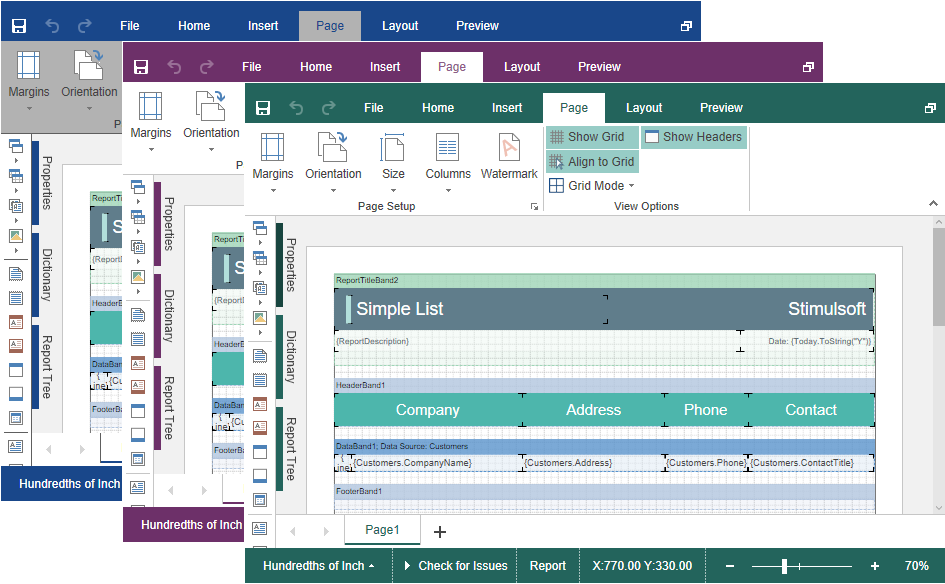
The Blazor Designer component has an option to change themes of visual controls. You should use the Theme property to change a theme.
Index.razor
@using Stimulsoft.Report
@using Stimulsoft.Report.Blazor
@using Stimulsoft.Report.Web

<StiBlazorDesigner Theme="StiDesignerTheme.Office2022WhiteCarmine" />
There are currently 2 themes available with different color accents. As a result, more than 50 variants of the appearance are available. This allows you to customize the appearance of the designer for almost any design of the Web project.