

Preview
The Flash Designer component provides the ability to preview reports. To preview the report, just go to the appropriate tab in the designer window. The report template will be transferred to the server-side, rendered and displayed in the embedded viewer.
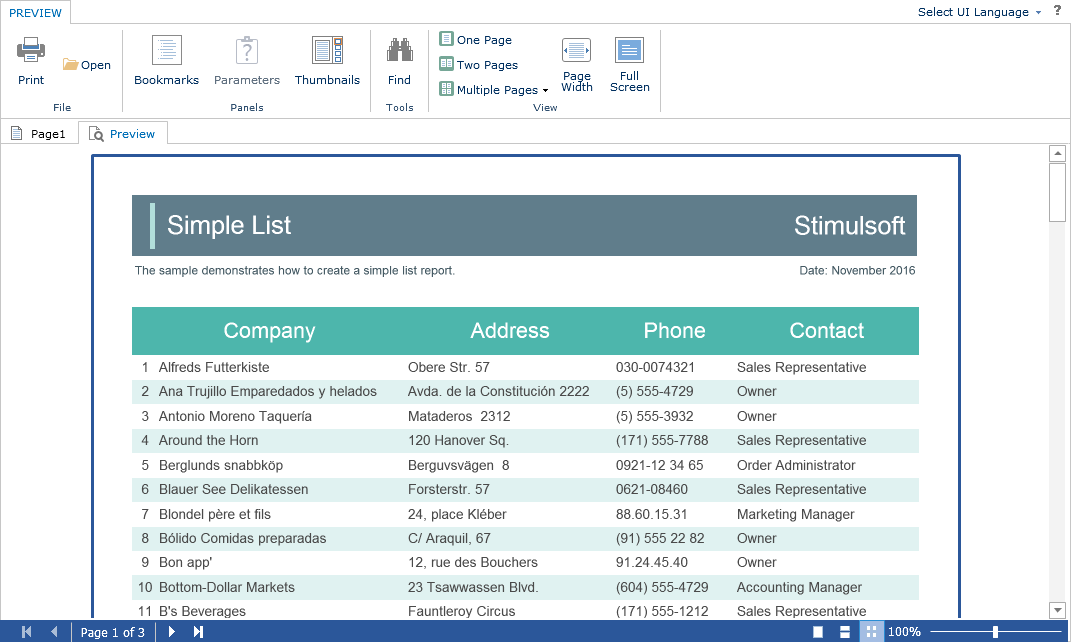
Before previewing the report, it is possible to perform any necessary actions, for example, connect data for the report. To do this, you can use the special PreviewReport action that will be called before previewing the report.
Index.cshtml
...
@Html.Stimulsoft().StiMvcDesignerFx("MvcDesignerFx1",
    new StiMvcDesignerFxOptions() {
        Actions =
        {
            PreviewReport = "PreviewReport"
        }
})
...
HomeController.cs
...
public ActionResult PreviewReport()
{
    StiReport report = StiMvcDesignerFx.GetReportObject();

    DataSet data = new DataSet("Demo");
    data.ReadXml(Server.MapPath("~/Content/Data/Demo.xml"));
    report.RegData(data);

    return StiMvcDesignerFx.PreviewReportResult(report);
}
...