Using Themes
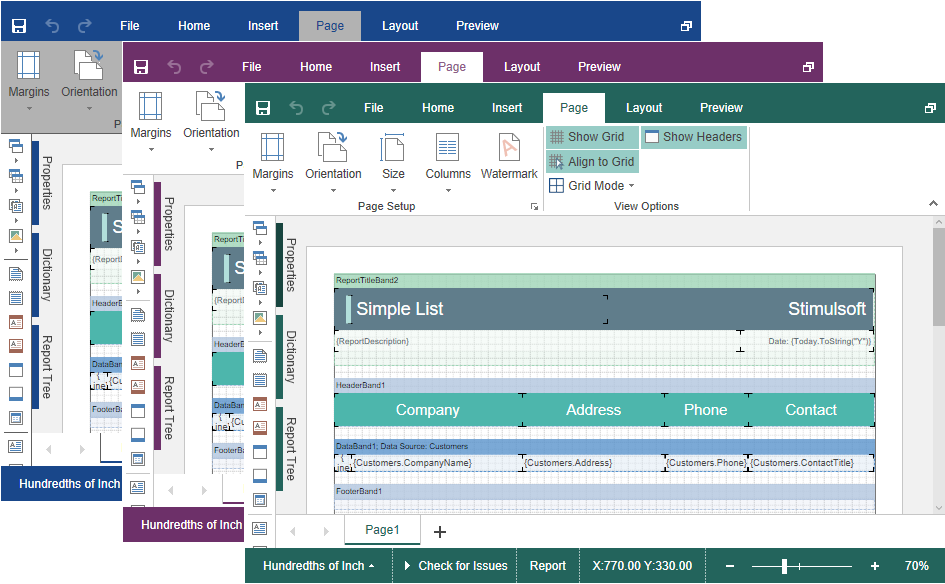
You can change the appearance of visual controls in the HTML5 Designer component. You can use the theme component option or the setTheme() method for this.
designer.html
...
var options = new Stimulsoft.Designer.StiDesignerOptions();
options.appearance.theme = Stimulsoft.Designer.StiDesignerTheme.Office2022WhiteBlue;
...
designer.setTheme(Stimulsoft.Designer.StiDesignerTheme.Office2022WhiteBlue);
...
There are currently 2 themes available with different color accents. As a result, more than 50 variants of the appearance are available. This allows you to customize the appearance of the designer for almost any design of the Web project.