

Log
Each time when you edit and save an item, a copy of that item with the new changes is created. Thus, a history for this item is created . This history items can be viewed. To do this, select Log on the Toolbar.
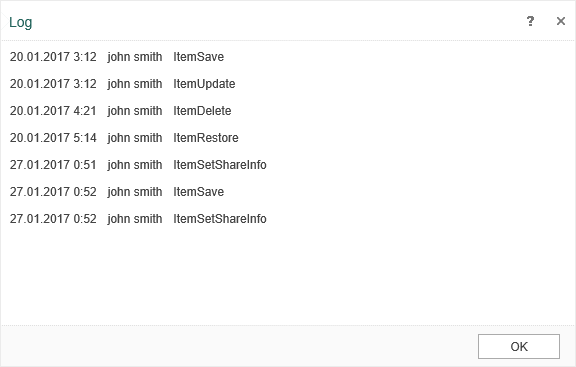
As can be seen in the picture above, the history displays:
-
The date of the latest change or action with the item;
-
The user who made those changes;
-
The action that was performed on this item.