

Status Bar
The status bar is placed under the designer window. The picture below shows a status bar of the Standard UI.

The bar contains 4 sections:
 Units. This field shows current units in a report. It is possible to change them.
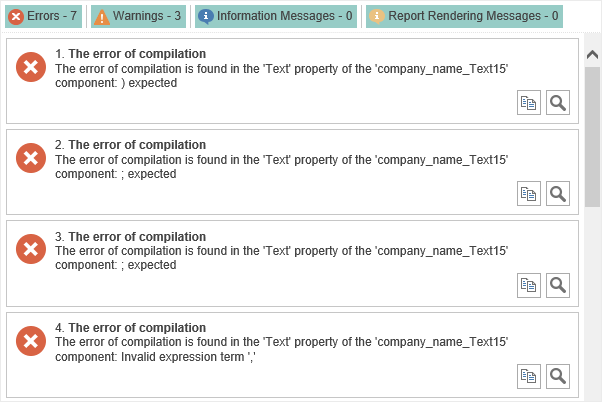
 Start Report Checker. The Report Checker will analyze the report, resulting in an errors, warnings, information messages, report rendering messages in this report:
 Name of Selected Component.
 Shows cursor coordinates on a page of a report template. (X:0,0 ; Y:0,0) coordinates corresponds to the top left corner of a page of a report template.
 The slider to zoom reports.