

File
In the File menu the key commands for working with reports in Report Designer are present:
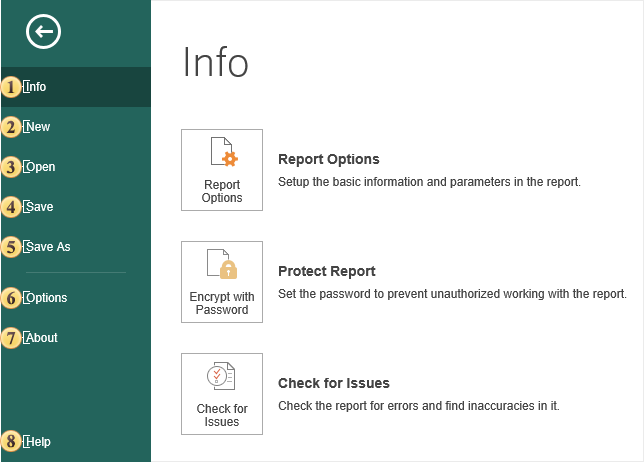
 The Info menu item contains the configuration commands, security and report checker.
 The New menu item contains a list of commands to create a new report.
 The Open command provides the ability to load the report into the report designer:
-
The report can be opened from the server space;
-
The report can be opened from the local storage;
-
There is also a tab with a list of reports that have been previously uploaded to the report designer.
 The Save command provides the ability to save changes to the current report.
 The Save As command provides the ability to save changes to the current report and specify the folder to save this report:
-
The report can be saved in the server space;
-
The report can be saved by means of a browser in the local storage.
 The Options menu command defines the configuration of the report designer.
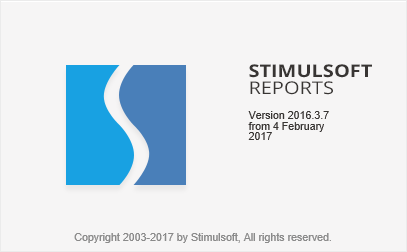
 The command to call the About menu provides information about the product, its version, as well as the date of the assembly:
 The command to go to the documentation of the Stimulsoft Reports.Server. The document will be opened in a new browser tab.