

Report with Label
Creating a report with label using the wizard includes 12 steps. Not all of them are mandatory.
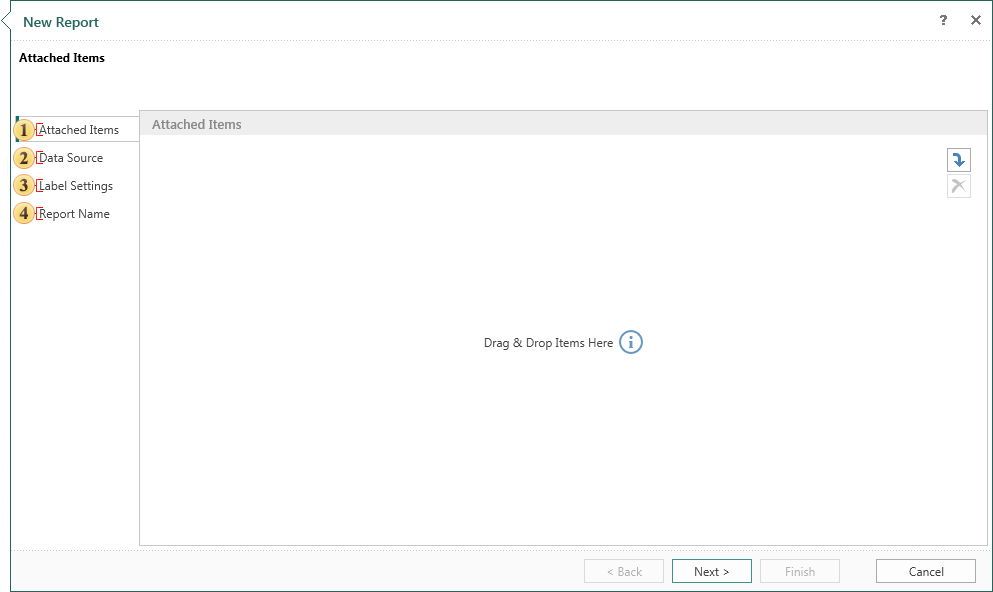
 Attach other items to the report. For example, images, files, data sources, etc. This is a mandatory step.
 Select the data source on which a report will be created. This is a mandatory step.
 This step defines the label settings.
 Give the name to the report item and write description for the report, if necessary. This is a mandatory step.
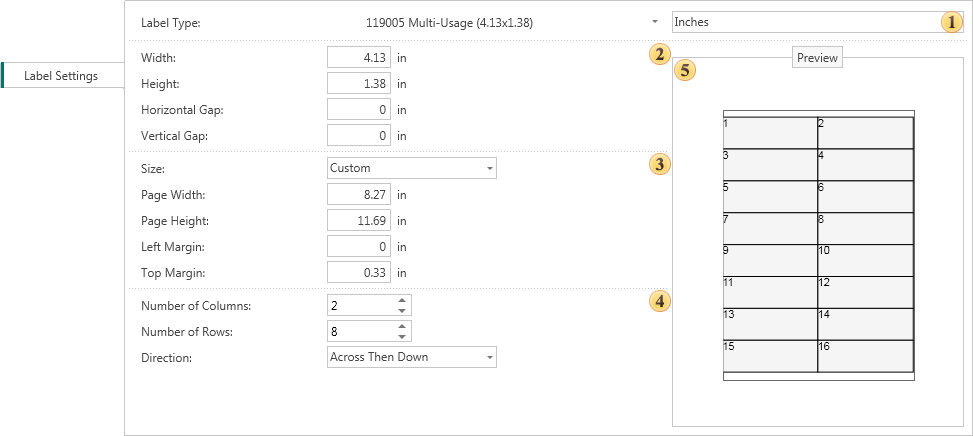
Type Panel. Set the report units and Label Type.
Panel size label. Change the size of the label.
Panel size pages. Select the page size or manually set the value of the width and height of the page, as well as its borders.
Panel configuration label. Customize the label, specify the number of rows and columns, and select the direction of placing labels on the page.
 Preview Panel. Preview the labels on the page, certain parameters.